Plan For The School Entrance.
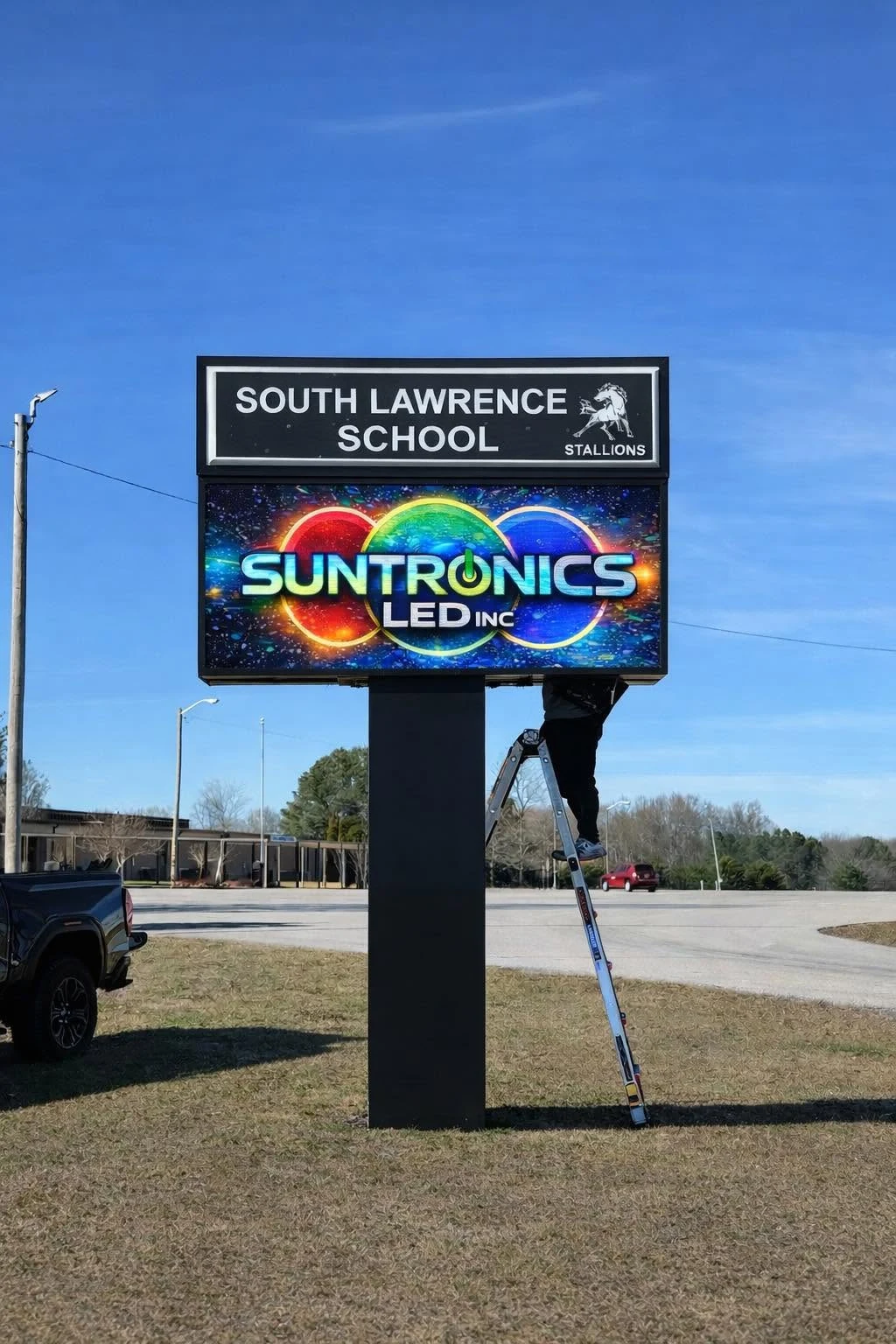
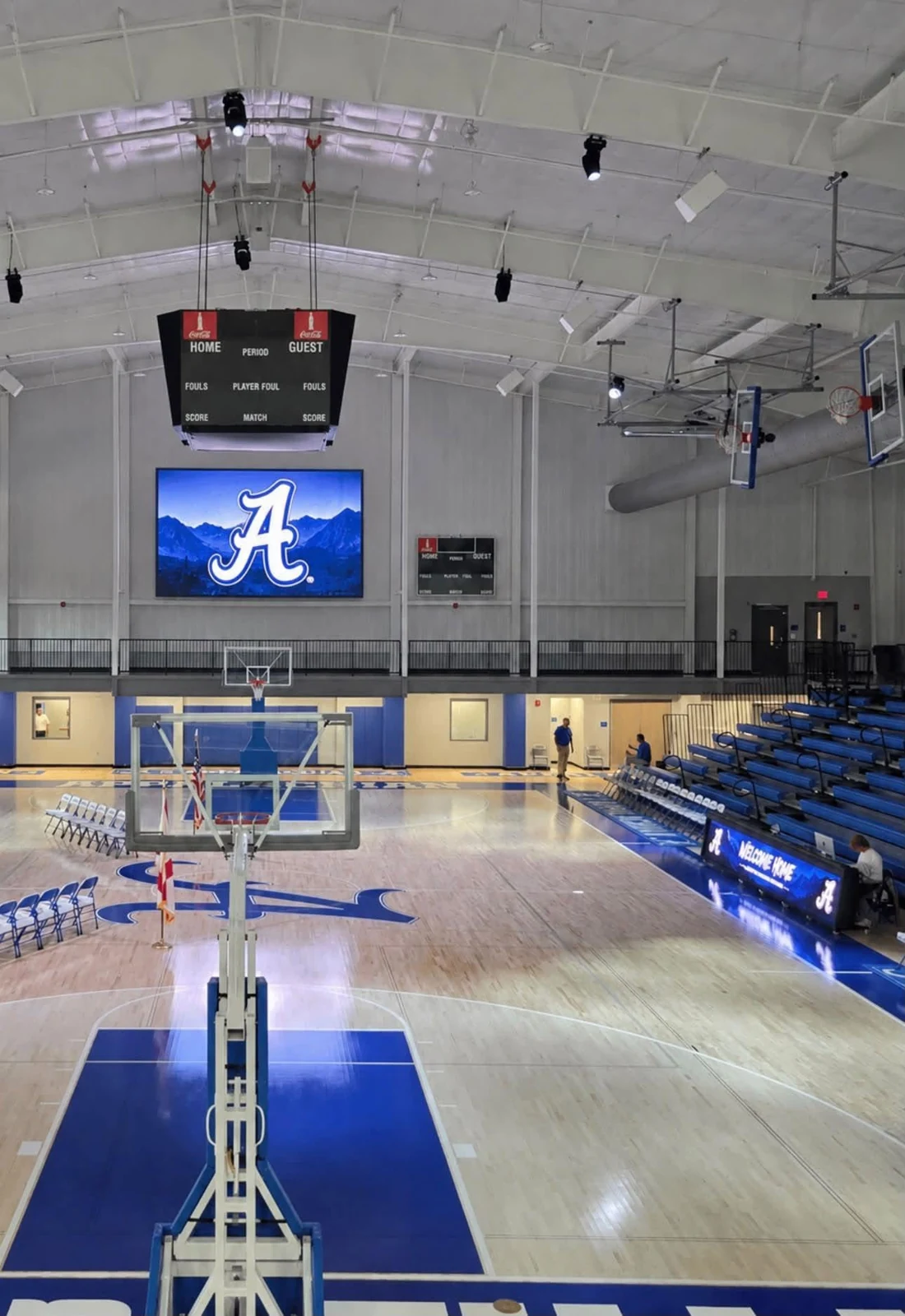
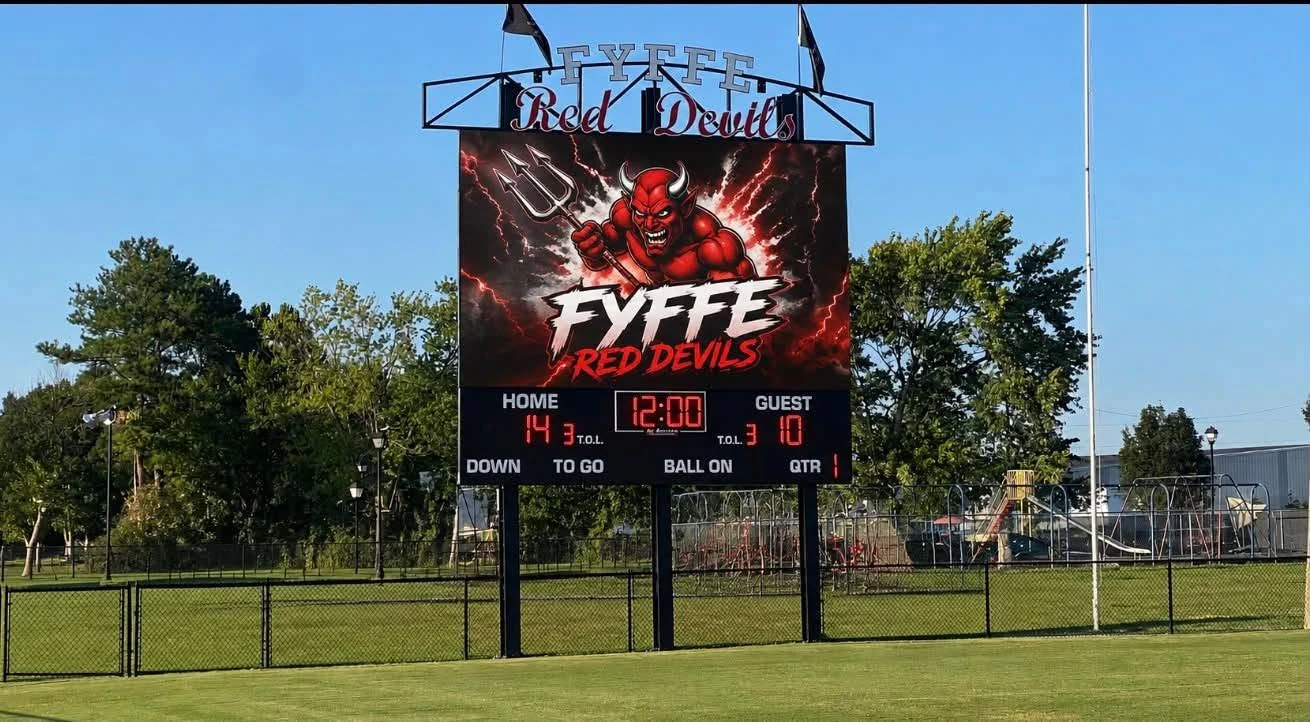
An entrance display has to make sense within the way vehicles and pedestrians approach the campus. Gather photographs of the proposed location, nearby roads and the spaces used for pickup and arrival. Consider which audience the sign primarily serves and the messages they need to read. Suntronics' guidance links display size and pixel pitch to location and communication goals; those choices should be discussed in the context of the campus rather than copied from a stadium display. A school marquee and an athletic video board serve different jobs, even when both use LED technology and carry the school's visual identity.
Build A Useful Announcement Routine.
An electronic school sign needs a dependable content process as much as a display. Decide which office or staff member prepares announcements, who checks the dates and how content changes during holidays or staff absences. SunSkills recommends short messages, high contrast and large type for audiences viewing a display at a distance. Apply those principles to the actual campus messages: a meeting date, school event or welcome graphic should be understandable without filling the screen with small print. Discuss how the selected system will receive updates so the administrative routine and the equipment plan work together.
Connect The Sign To Long-Term Support.
A campus message center may be used by staff who do not run event technology every day. Suntronics describes consultation, installation, training and technical support as parts of its approach. Include the intended operators in the handover discussion and ask for a working reference for the selected setup. Its training resources explain how power, source devices, connectivity and the screen form a complete signal path. Knowing those basics helps staff report a problem clearly rather than repeatedly changing software settings. Review the final project's installation responsibilities and published support terms before treating the sign as ready for everyday use.