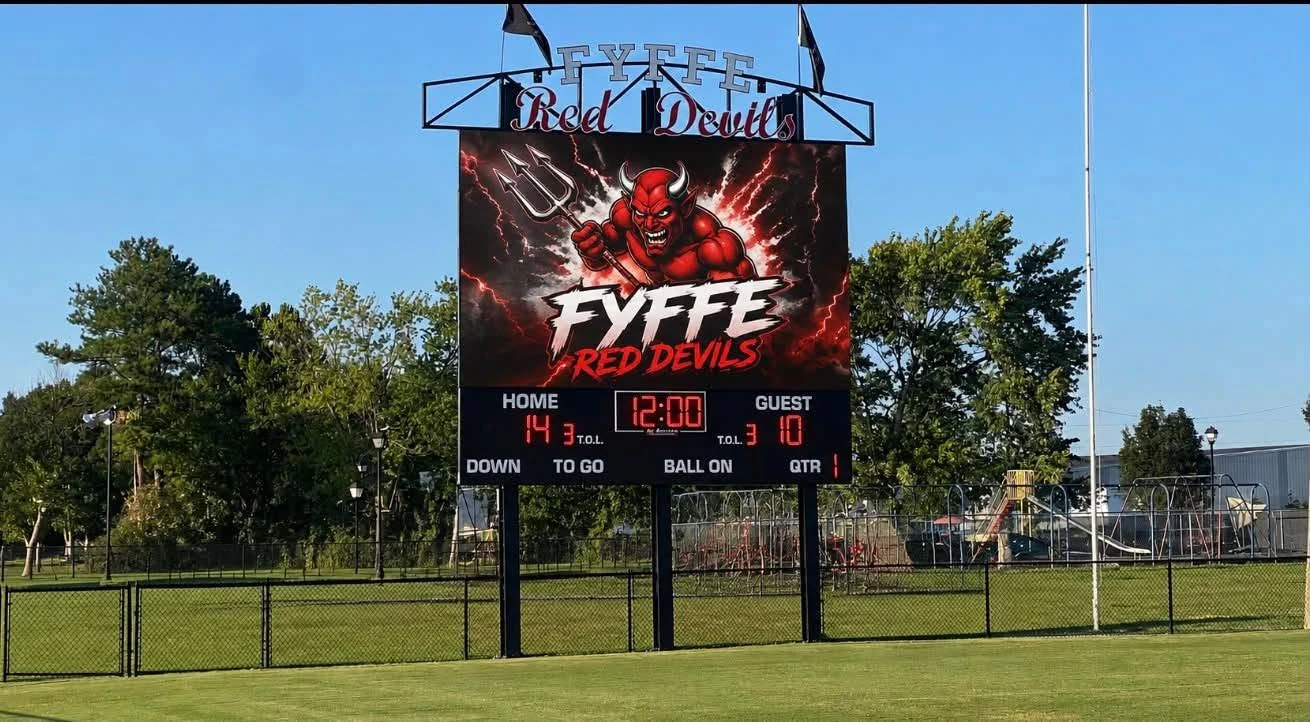
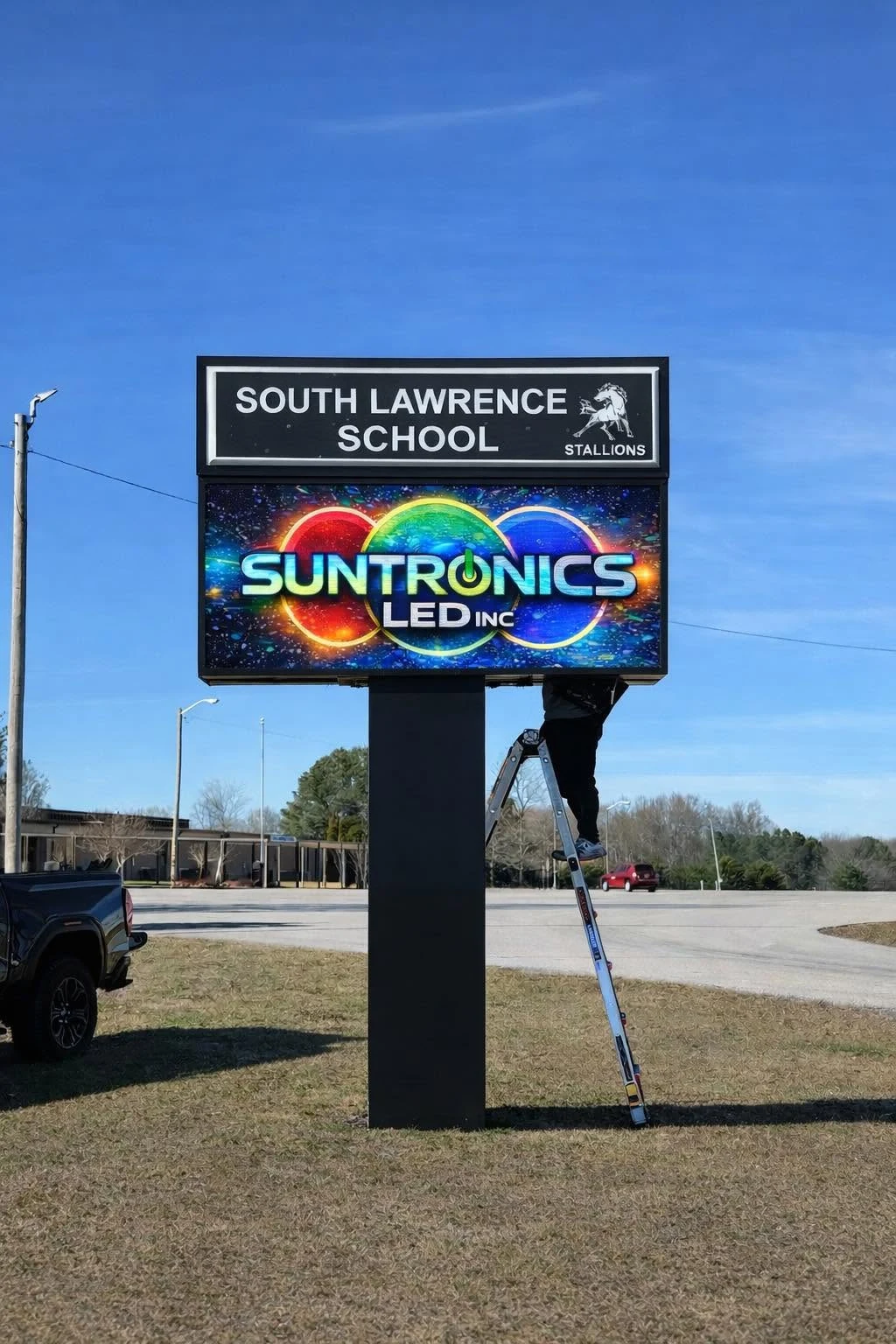
One school. Different display missions.
An entrance message center and a gym video wall do different jobs. Roadside messages need to be understood by people passing the campus, while indoor screens may be viewed for an entire event. Stadium displays have their own viewing positions and operating requirements. Separate those applications before comparing equipment. The Suntronics school collection provides a useful starting point, while the dedicated football, gym and school-message-center guides explain what to consider for each setting. A coordinated school identity can run across all of them without requiring every display to use the same dimensions, content or operating workflow.
Build a game-day experience people can run.
School colors and full-color graphics make an impression, but the operating plan matters just as much as the image. Identify the staff or volunteers responsible for the system, the content they need and the equipment they already use. Suntronics publishes training resources covering extended-display setup, source resolution, sponsor content and repeatable game-day workflows. Review any proposed scoring connection or existing controller with the team rather than assuming compatibility. A clear handover, organized media and a known-good configuration help the people behind the display approach an event with confidence.
See an actual school project.
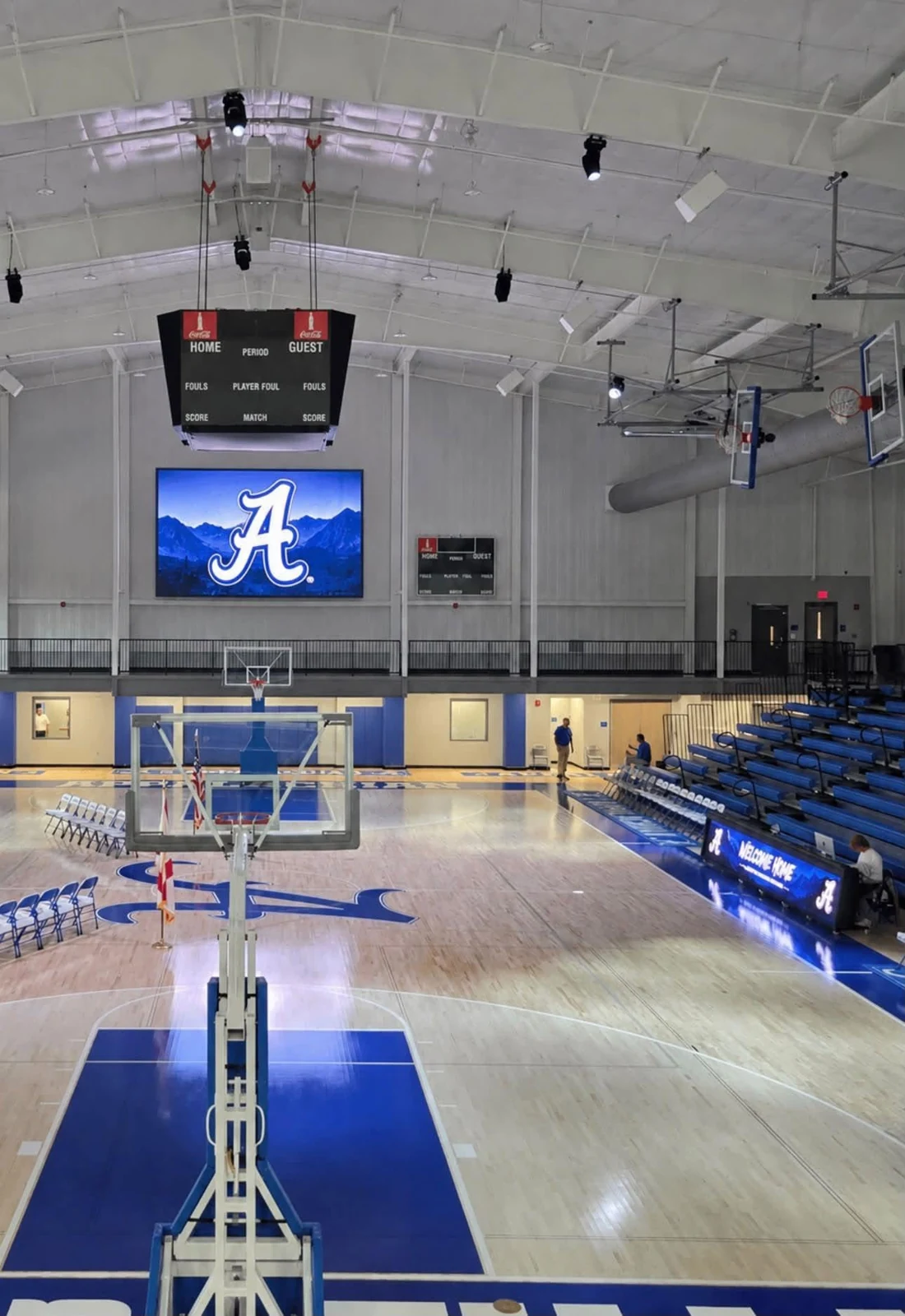
The Appalachian High School images in the current Suntronics collection show a gym display and an LED scorer table carrying the school’s identity. The existing project recap describes an 8-by-12-foot indoor display with a 3.9mm pixel pitch and an installed price below $21,000. Those are historical details from that particular recap, not a current offer for another school. Use the case study to understand the application, then discuss your own room, mounting location and content needs with Sales. The right next step is a project conversation grounded in your school’s requirements.