Start With The View From The Stands.
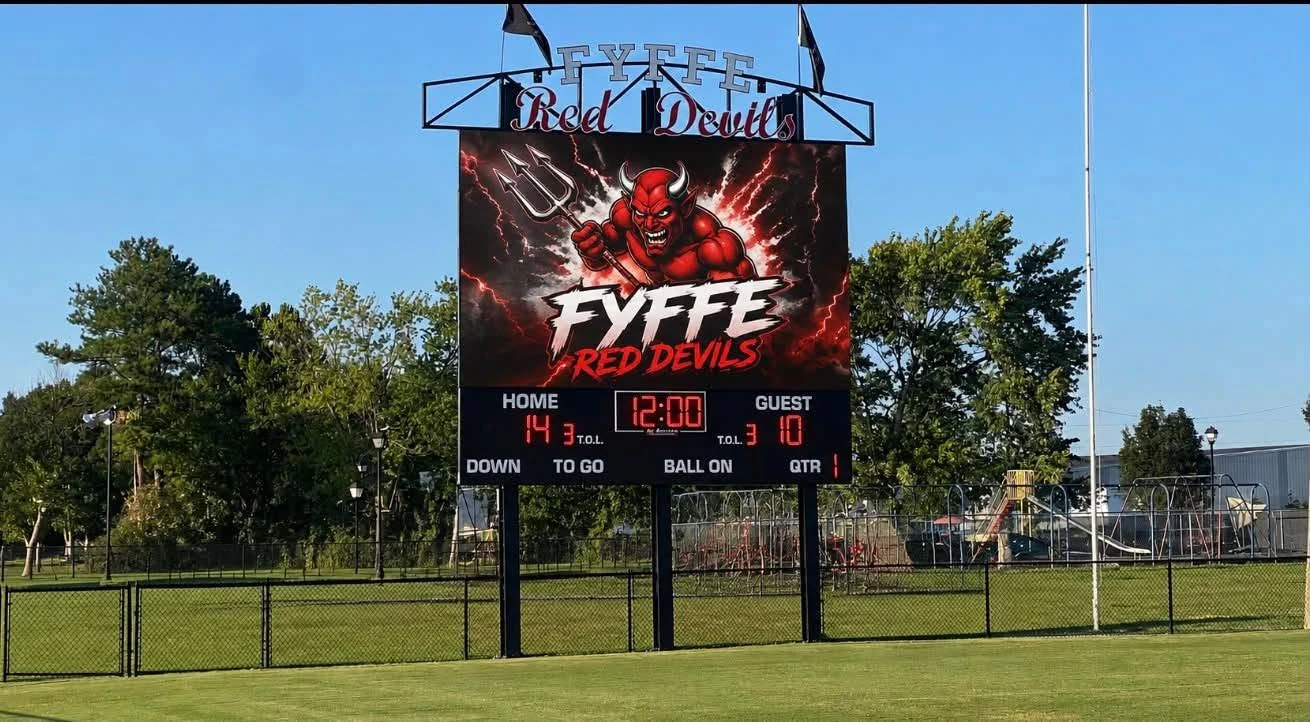
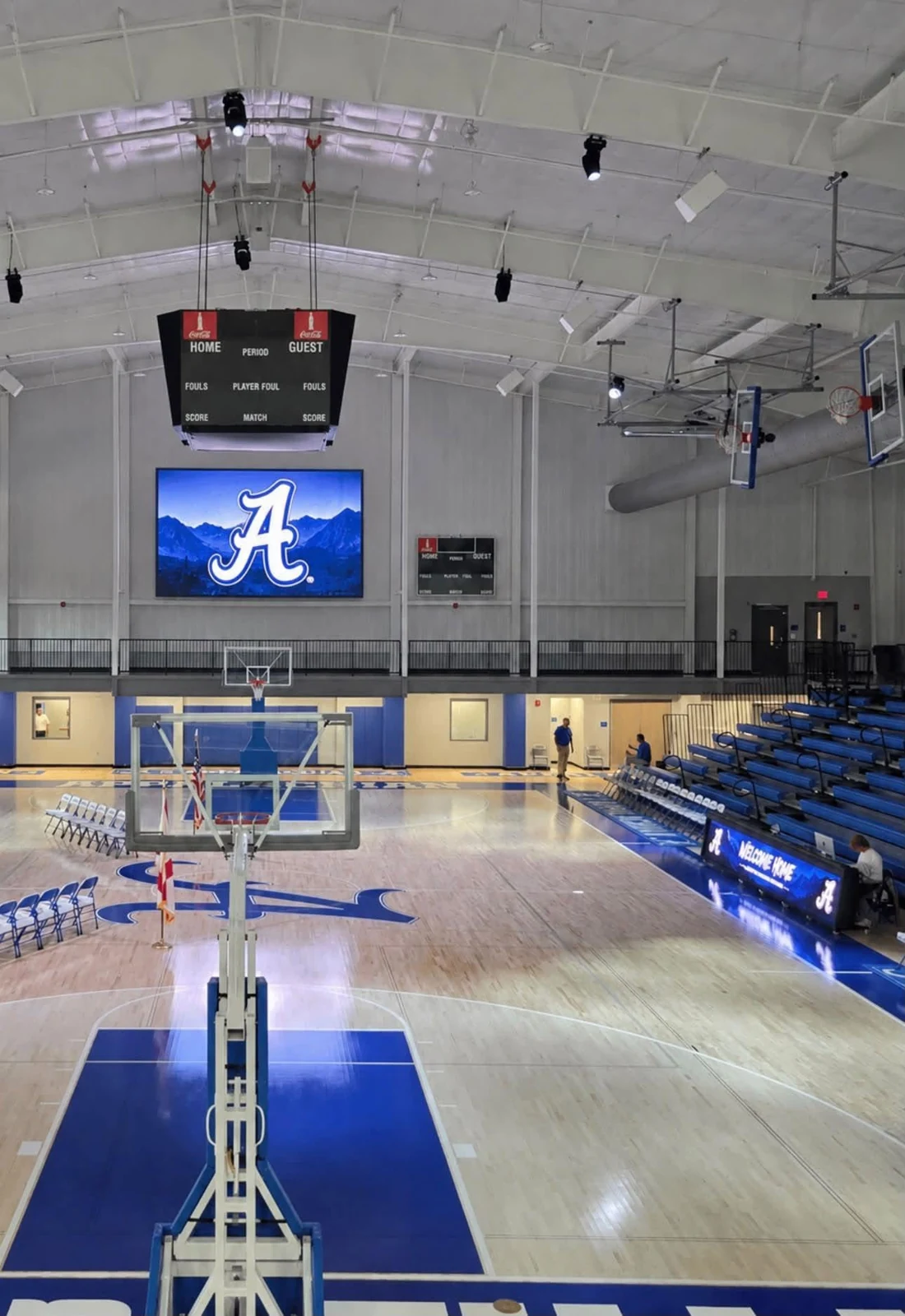
Before comparing display sizes, consider where spectators actually sit. The far bleachers, the end zones and the areas nearest the board present different viewing conditions. Photograph the proposed location from those positions and note the information people need to read. A score, a sponsor message and a full-screen video do not place the same demands on the LED canvas. Suntronics' buying guidance identifies size, pixel pitch, location and messaging goals as connected decisions. Bringing those details together gives the conversation a useful starting point and helps avoid selecting a screen solely because its dimensions look impressive on paper.
Plan The Content Before The Hardware.
Write down the display's responsibilities before deciding how to operate it. Will the screen carry school graphics, announcements, sponsor messages, video, scoring information or a combination? Identify the devices and software the school already uses, then discuss the complete signal path with Suntronics. Specific scoring feeds, controller connections and existing equipment must be reviewed for the individual project. The SunSkills resources explain how source resolution, extended-display mode, local media and organized playlists affect presentation. A clear content plan also helps staff prepare graphics at the right proportions rather than stretching last season's artwork across a new screen.
Prepare The People Behind Game Night.
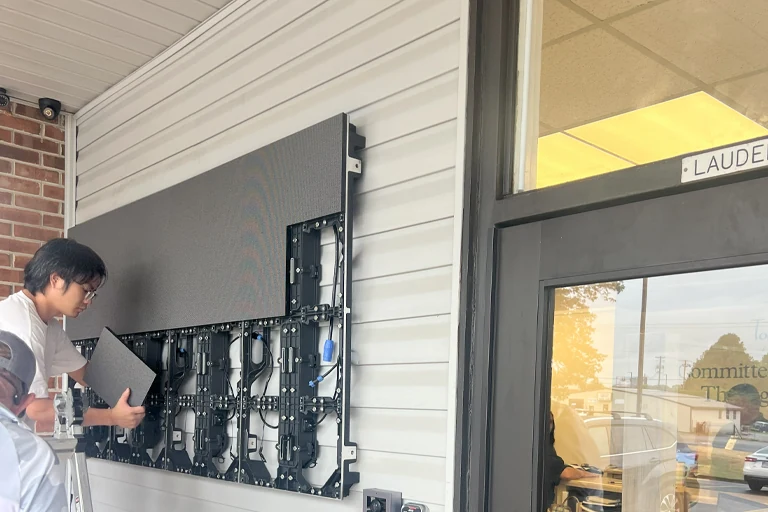
The screen is one part of the event. Decide who starts the system, who changes content and who can step in when the usual operator is absent. Suntronics provides installation, training and support, while its published game-day resources encourage early testing and a documented working setup. Build a simple operating routine around the equipment selected for the project: confirm power and signal, load approved media and check the full canvas before spectators arrive. Keep sponsor and school content organized so a volunteer can find the right item quickly. This preparation turns a display purchase into a more manageable game-day workflow.