Make the courtside position work harder.
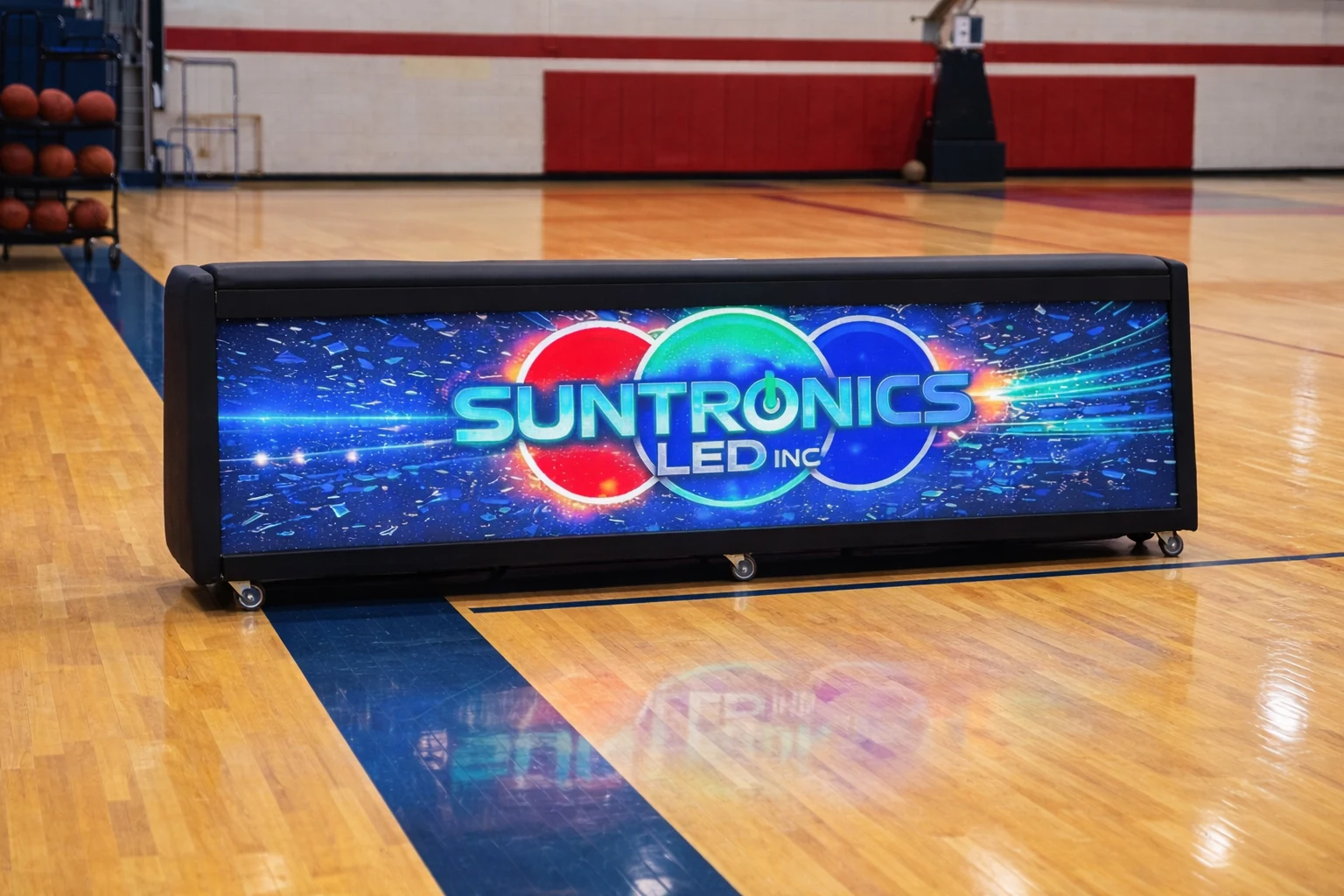
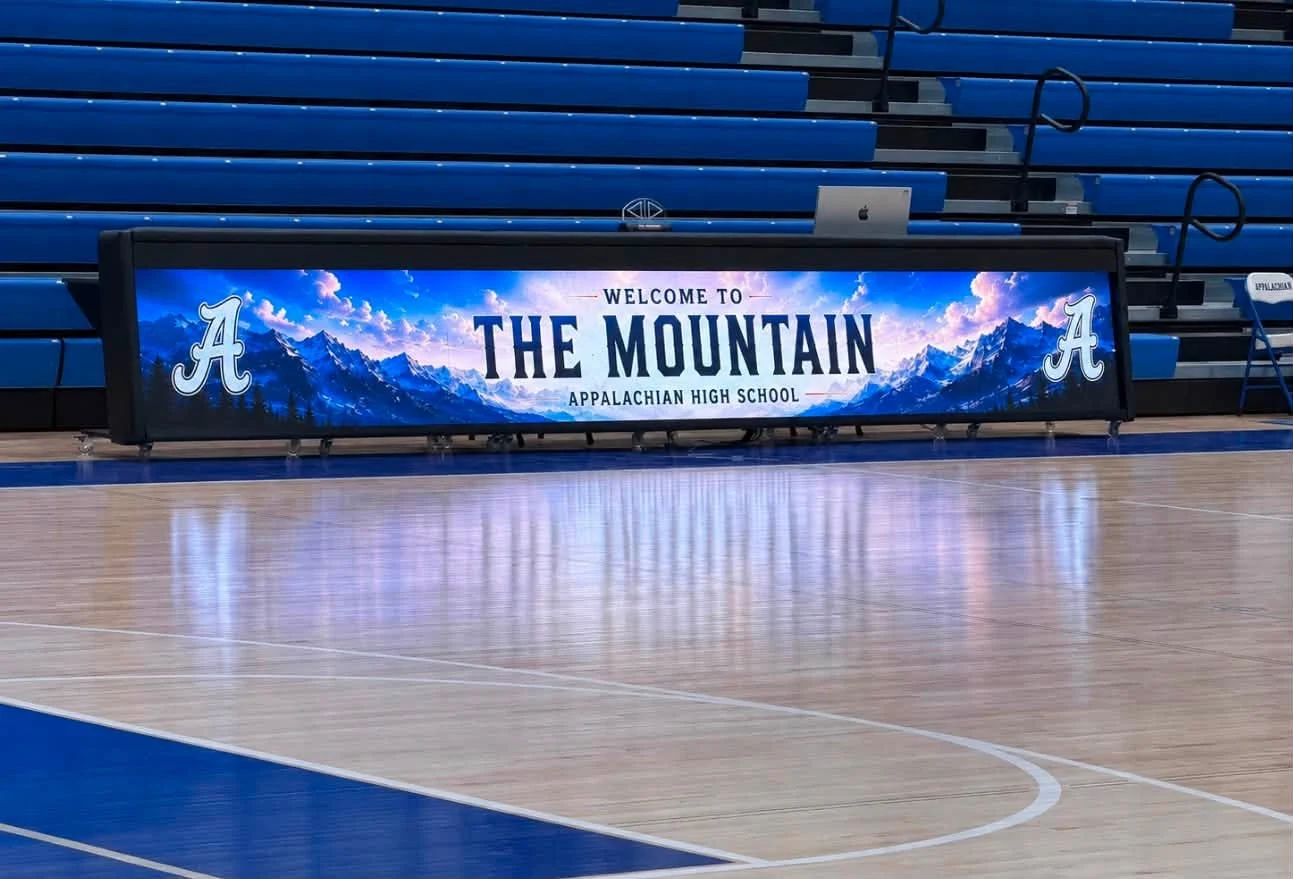
A scorer’s table is part of the visual identity of a gym. Think about what spectators should see during arrivals, introductions, breaks and other moments in the event. School graphics and sponsor messages need a clear layout that suits the actual display canvas. The Suntronics gallery includes scorer tables showing the company’s RGB branding and school-specific content. Use those examples as inspiration for presentation, without assuming that every table has the same dimensions or specification. Ask Sales to discuss a configuration appropriate for your court, staff and event requirements.
Connect the table to the wider experience.
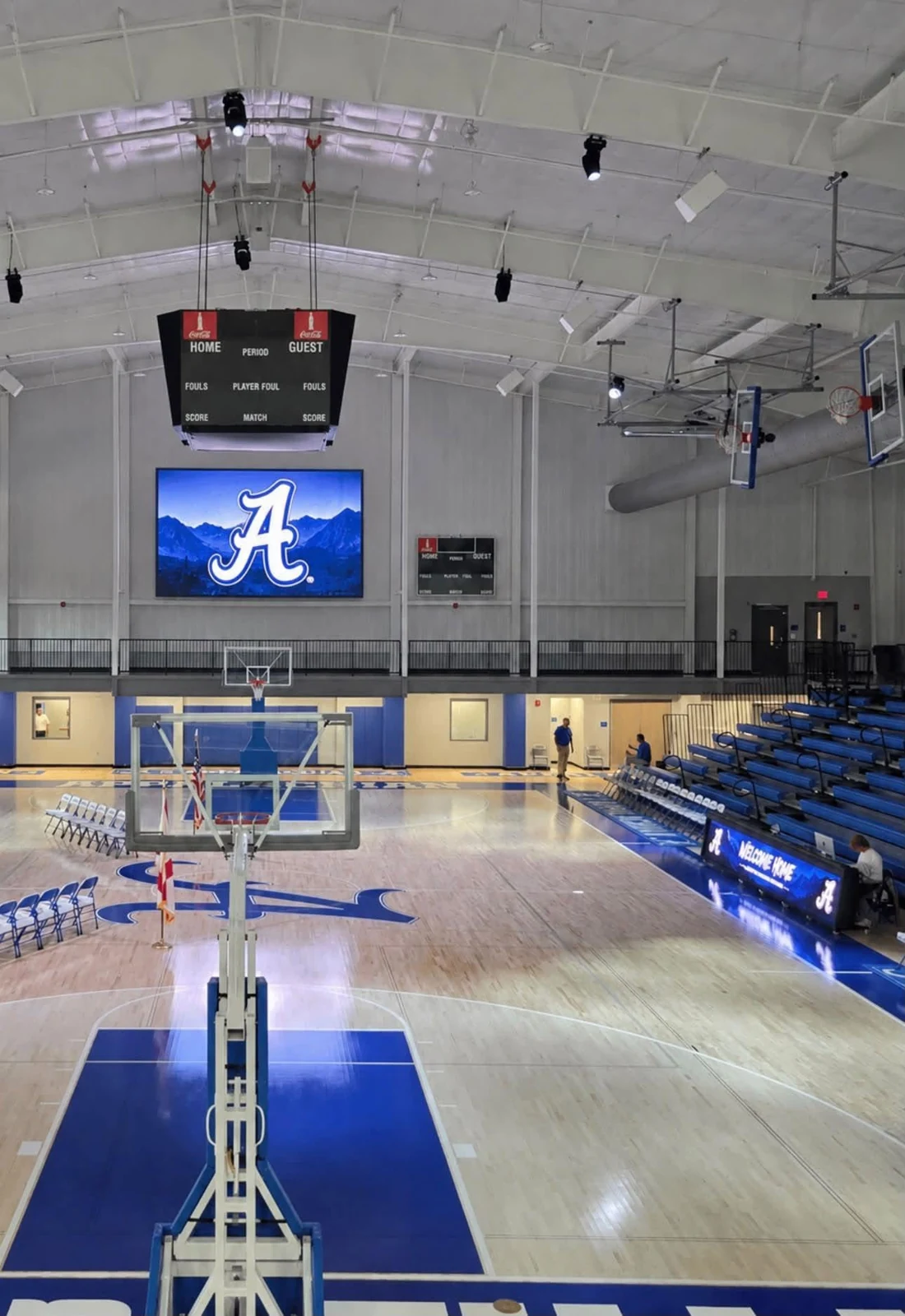
A table display can sit alongside a larger gym screen, but the roles of the two surfaces should be planned separately. One might carry school branding while the other carries event content. Decide which messages belong where and how the operators will keep presentation organized. SunSkills guidance emphasizes correct source resolution, properly proportioned graphics and prepared media. Share the equipment and software already used by the school so the team can review the proposed signal path. Do not assume that matching content automatically means the same controller or connection is appropriate for both displays.
Bring the operators into the conversation.
Discuss the physical table position, who works at it and how the display will be operated during events. Include setup, storage, connections and content responsibility in the planning conversation. Specific dimensions, protective features and equipment compatibility need to be confirmed for the proposed product. Suntronics’ published support model combines installation, training and long-term help. Ask how those services apply to the scorer-table configuration you are considering. A carefully planned handover should leave staff with a repeatable process for starting the system, selecting content and returning to a known working setup.